feuristic — custom firmware for Trezor Safe 3
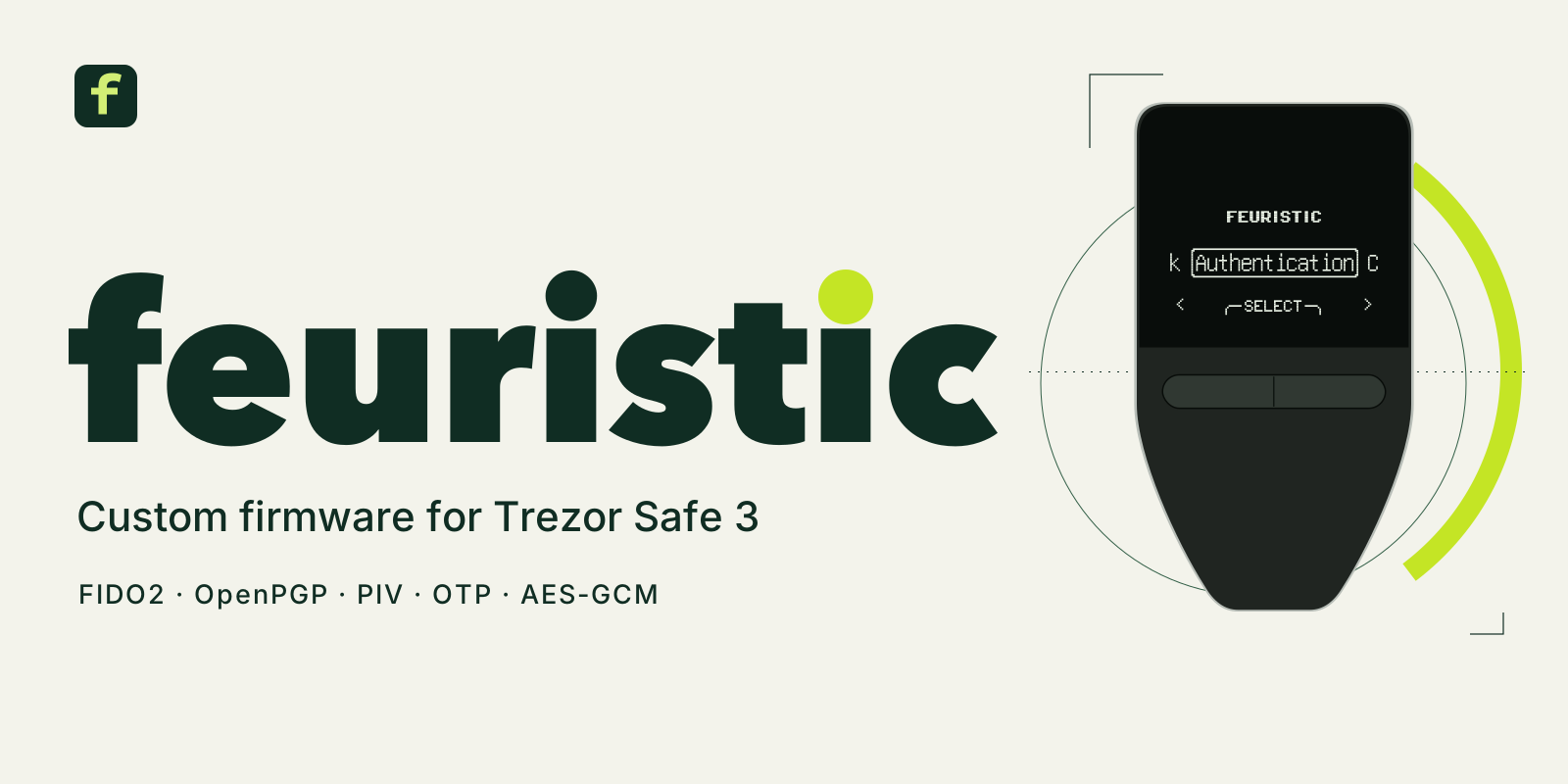
feuristic replaces the wallet application on a Trezor Safe 3 with a USB security key, smart card and one-time password device. It runs on T2B1 and T3B1 hardware. Configuration and confirmations happen on the two buttons; standard clients handle authentication and cryptography.
Install feuristic Download firmware
Before you install
Installation erases the wallet and permanently removes original manufacturer attestation. feuristic is independent of Trezor Company and SatoshiLabs. Core workflows passed a physical T2B1/macOS campaign; T3B1 hardware and the complete acceptance matrix are still in progress. Keep a second way to sign in to important accounts.
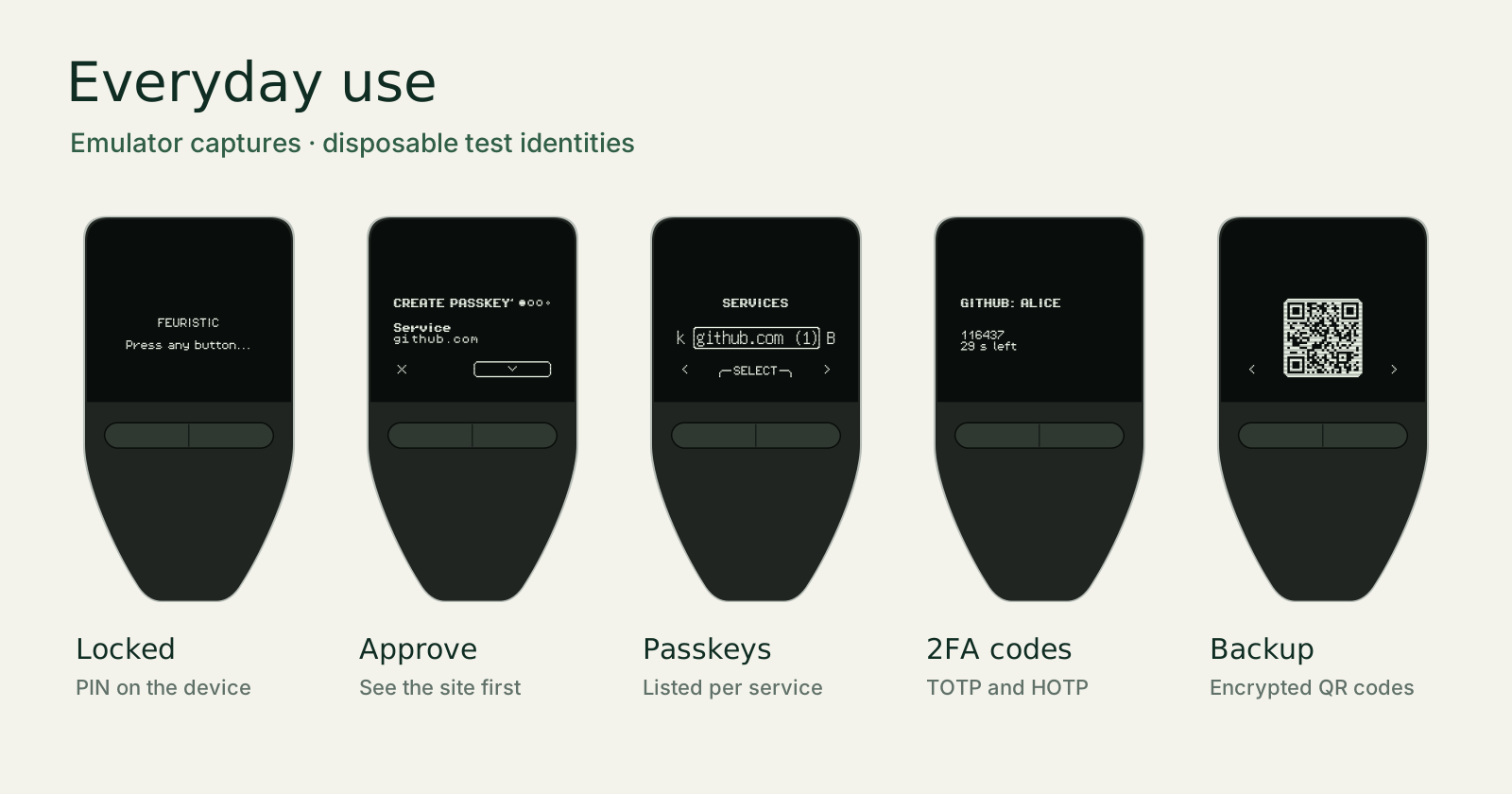
What it supports
| Function | Interface | Get started |
|---|---|---|
| Passkeys and security keys | FIDO2 / WebAuthn, CTAP 2.1, U2F | FIDO2 guide |
| OpenPGP signing and decryption | OpenPGP Card 3.4, GnuPG | OpenPGP guide |
| Certificates and authentication | PIV, PC/SC, PKCS#11 clients | PIV guide |
| One-time passwords | TOTP / HOTP, QR image import | OTP guide |
| Encryption and random bytes | AES-256-GCM / ISO 7816 APDUs | AES and RNG guide |
| Encrypted identity backup | QR sequences, PNG/JPEG restore | Backup guide |
Install in three steps
- Check your model and download. Select the exact T2B1 or T3B1
.binfrom Downloads, then verify its SHA-256 checksum. - Open the bootloader and install. On a backed-up, disposable device,
unlock once and select the downloaded file in Trezor Suite, or upload it with
trezorctl. Confirm every request on the device. A firmware file is not copied onto the OTP import drive. - Create a device PIN. Accept the third-party boot warning, choose English or French, set the PIN and follow the user guide.
Read the complete installation procedure before step 2. It explains the irreversible effects, exact button sequence and recovery path.
Interfaces and controls
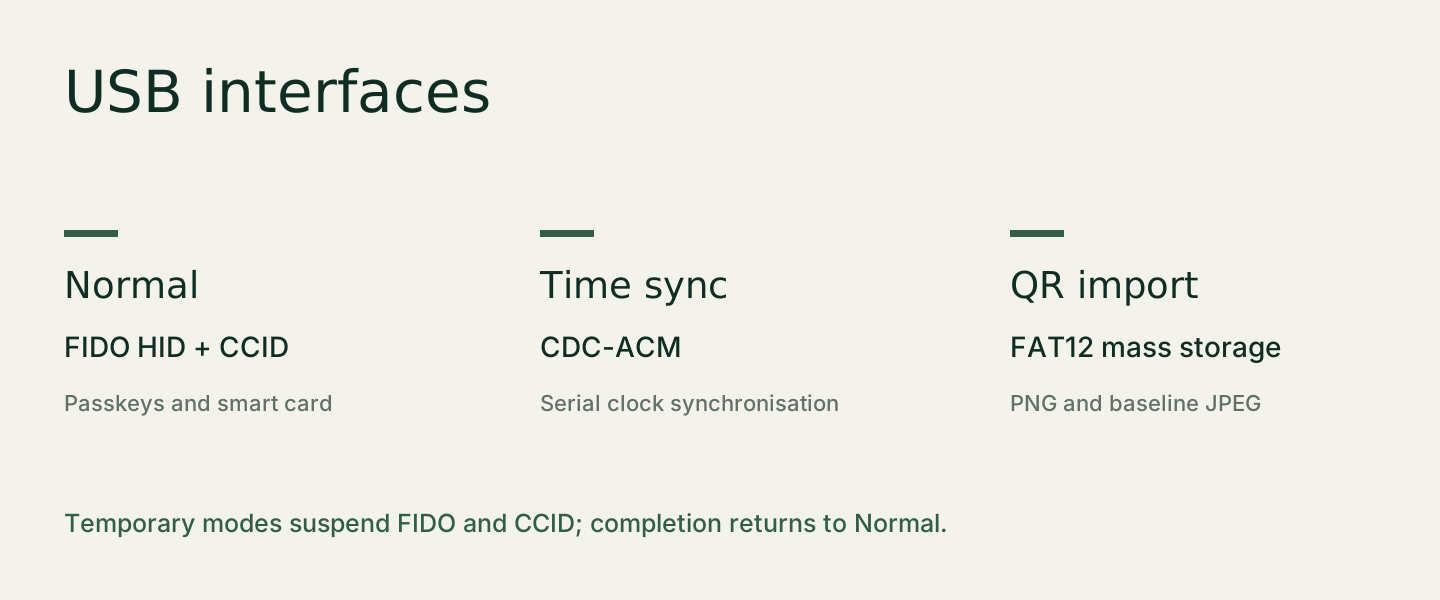
Normal operation exposes FIDO HID and a CCID smart-card reader. Time sync uses a temporary serial port; QR import uses a temporary FAT12 drive. These modes are exclusive and return to normal after completion.
- Left: previous. Right: next. Both: confirm.
- Hold left: back or refuse. Destructive actions require a held confirmation.
- The device PIN protects storage. FIDO, OpenPGP and PIV credentials are separate.
Tested behavior and remaining work
The physical T2B1 report records verified signatures, AES-GCM, OTP imports, clock sync and persistence across updates. The acceptance register distinguishes these results from emulator tests and lists the remaining hardware work.
For implementation details, read the architecture, threat model and protocol references.