 Feurstagram
How to remove Reels from Instagram on Android
Option 1: reduce Reels with Instagram's own settings
These work in the regular app, need nothing extra, and can be undone any time. They lower how many Reels you see; they do not delete the Reels tab.
Tell Instagram you're not interested
- Open any Reel in your feed or in the Reels tab.
- Tap the ⋯ menu (or long-press the video).
- Choose Not interested. Repeat on the kinds of Reels that pull you in the most.
Switch the home feed to Following
- On the home screen, tap the feed title at the top.
- Choose Following: only accounts you follow, newest first, no suggested posts.
- Do it again after each app restart, since Instagram goes back to the recommended feed.
Snooze suggested posts
On a suggested post in the feed, open the ⋯ menu and hide or snooze suggestions. It pauses suggested content for a while, then it comes back.
Option 2: remove the Reels tab and feed with Feurstagram
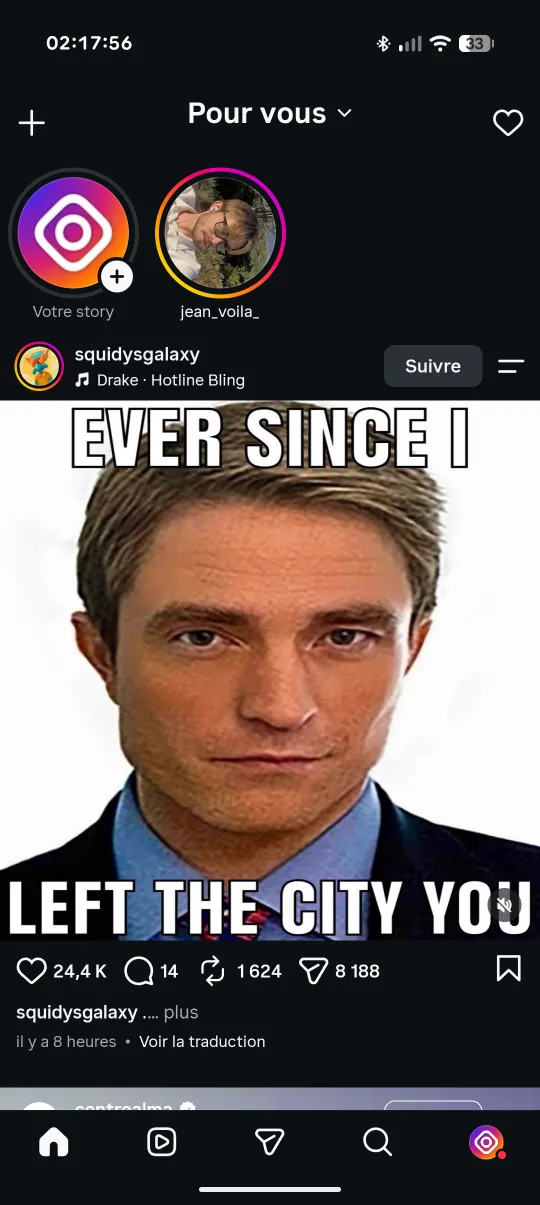
If reducing isn't enough, the only way to get the Reels tab out of the Android app is to change the app itself. Feurstagram is the official Instagram app with open-source patches: the Reels tab is removed from the bottom bar and the Reels feed is blocked before it loads. DMs, stories, search, profiles and notifications keep working, and a Reel a friend sends you in a conversation still opens.
- Download the latest Feurstagram APK from GitHub. Take the Clone APK if you want to keep official Instagram installed as well.
- Install it and allow installs from your browser or file manager when Android asks.
- Log in with your usual Instagram account. Reels, the home feed, Explore and ads are blocked by default.
- Adjust anything by long-pressing the Home tab: every block is a switch, and you can also hide the Reels icon, choose the screen the app opens on, or keep a Following-only feed.
- Optional: turn on the permanent lock so blocks can't be switched off in a weak moment.
downloads on GitHub
What about uninstalling Instagram or using the website?
Deleting the app removes Reels, but also your DMs and notifications, which is usually why people keep Instagram in the first place. The website at instagram.com pushes Reels less, yet Reels are still there and messaging is less convenient. Old app versions from before Reels are not an option either: they stop working with current Instagram servers and miss security fixes.
Which option should you choose?
- You scroll Reels a little too much: “Not interested” and the Following feed may be enough.
- You want the Reels tab gone and keep going back to it: Feurstagram on Android.
- You're on iPhone: Feurstagram is Android-only; see the comparison of blocker apps.